August 2025 — Release notes
Compare Sheets v1.2
Share saved scenarios
You can now export and import your saved scenarios in Compare Sheets for Duplicates. This new feature lets you share your comparison scenarios with teammates or other add-on users, plus create backups on your Google Drive or computer.
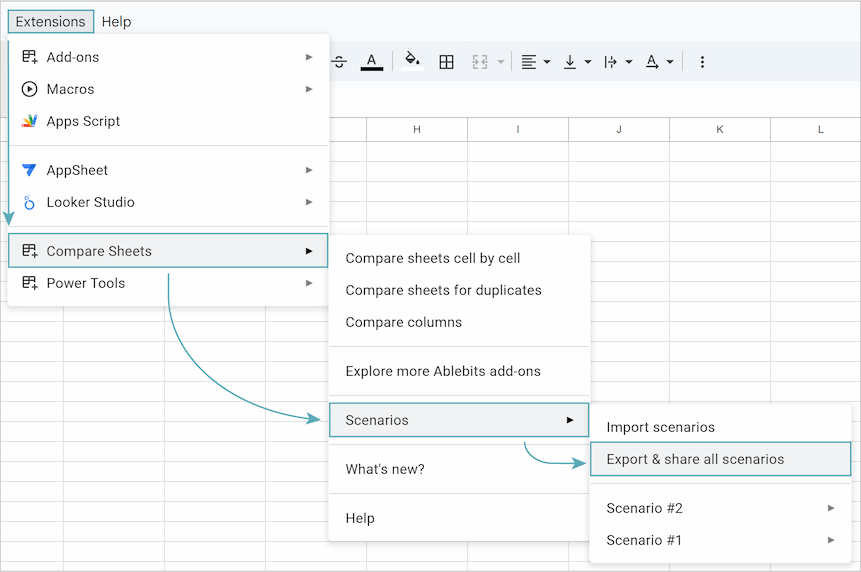
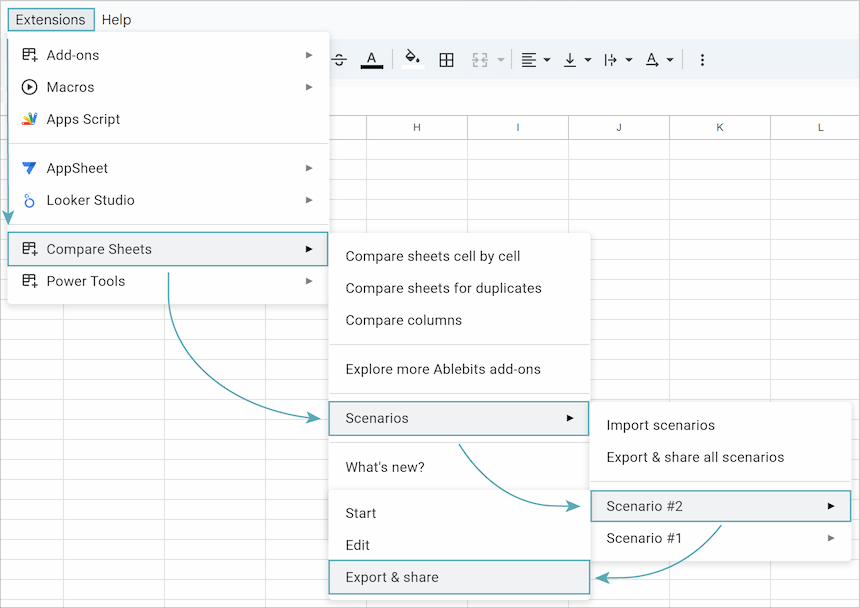
Don’t want to share all your scenarios? To share just one, select it from your list and choose the Export & share option.
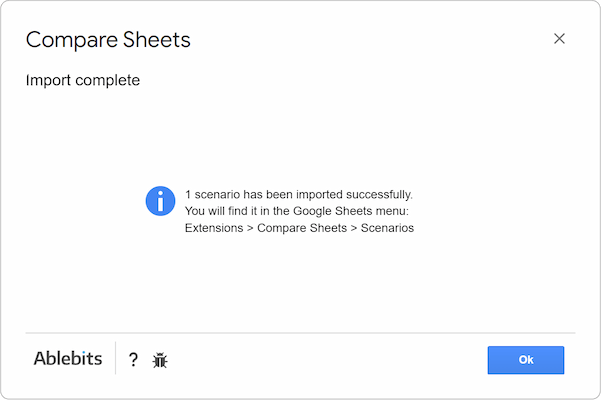
Once you send the exported scenarios, your recipients can import them into their Compare Sheets. The add-on will then show a message to confirm the import.
Tip. See a full tutorial on sharing scenarios here.
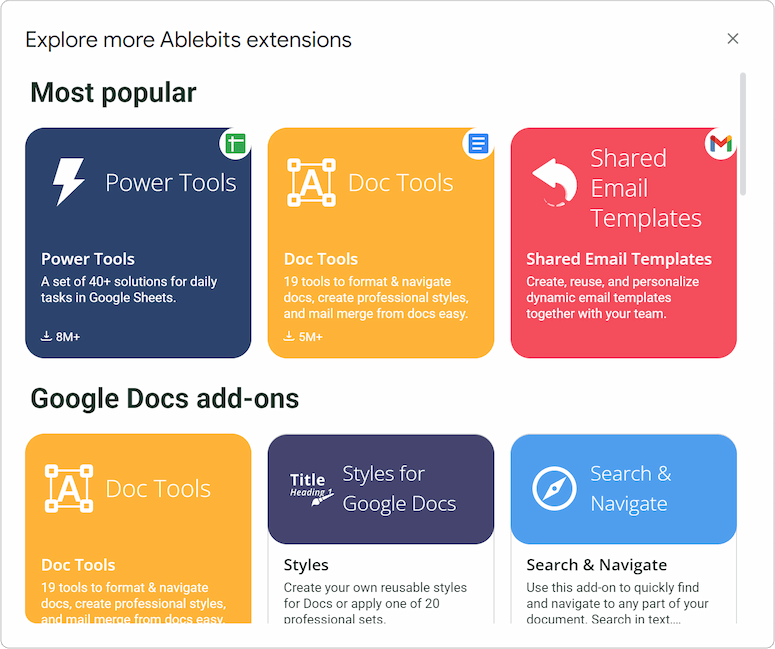
Discover more Ablebits add-ons
Explore our other helpful add-ons under the Extensions menu.
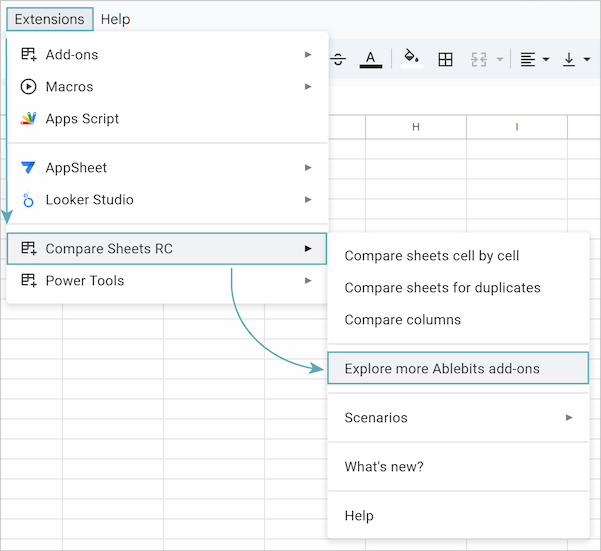
Curious about an add-on? Just click its title to learn about its features on the Google Workspace Marketplace before installing.
Please contact us here