July 2025 — Release notes
Doc Tools v2.3
New features
Merge to Letter & PDF in Google Docs
We're expanding our toolkit in the latest update! A new tool Merge to Letter & PDF is now available in Google Docs.
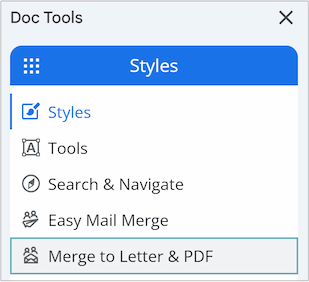
It allows you to create personalized documents such as custom letters, invoices, or ready-to-print PDFs from a Google Docs template without copy-pasting. You can now:
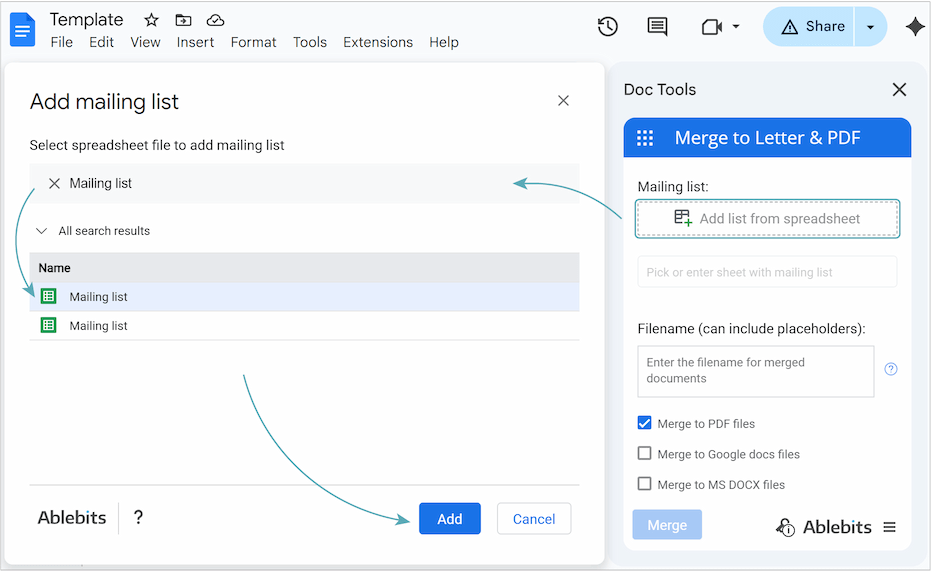
- Create a template in Google Docs and easily connect it with the mailing list in Google Sheets.
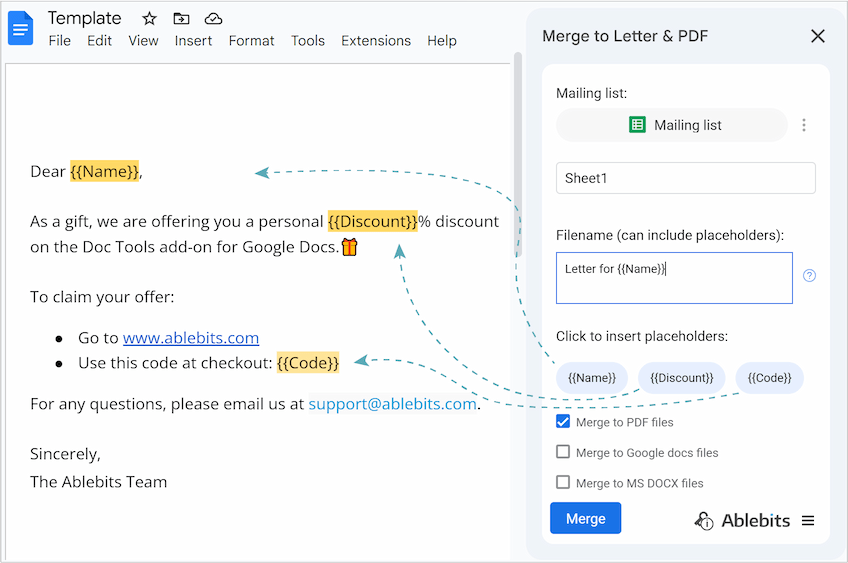
- Use your mailing list's column names as placeholders to add personalized details.
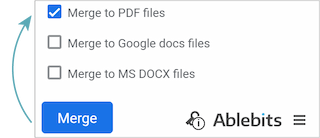
- Save your generated documents as PDFs, Google Docs, or Microsoft Word files.
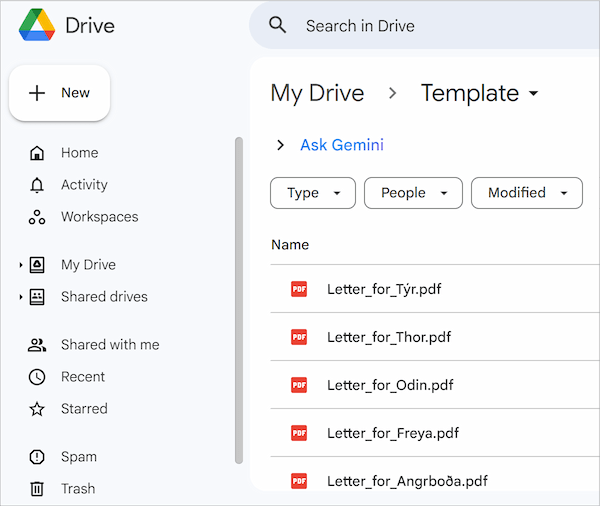
- Keep your personalized documents organized by saving them automatically to your Google Drive.
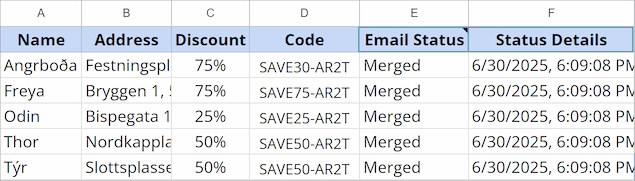
- Monitor the status of your mail merge with added columns right in your mailing list.
Tip. Learn how to use the tool and get professional paperwork done with this tutorial.
Improvements
Enhanced email delivery statuses for Easy Mail Merge
Replied and Rejected statuses are now tracked automatically without the Track opened emails option enabled. Don’t worry, this tracking meets all privacy standards.

Now, when you enable the Track opened emails option, you'll see a helpful privacy reminder to ensure responsible use.
Please contact us here